Take a photo
Place your item on white paper. Follow the app’s camera guide.
A little studio. For your shop.
Turn a photo of your clothing or accessories into AI model photos. Check the details before you keep them.
Join the waitlistFirst product free. No card. At launch.
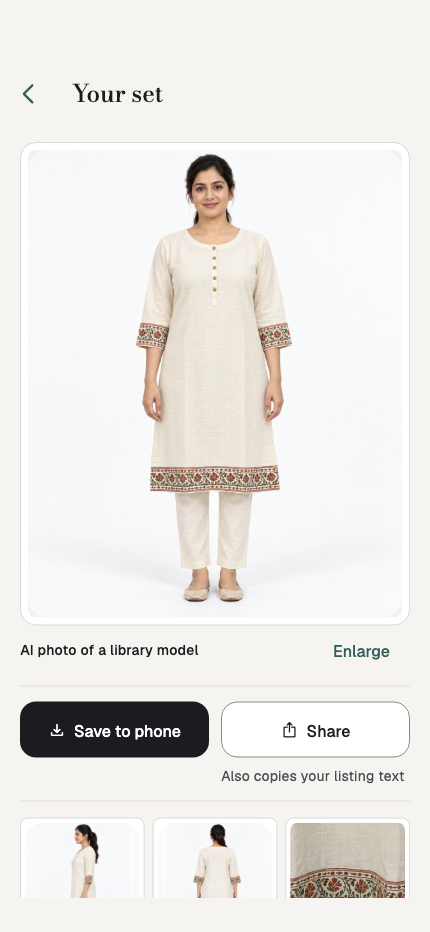
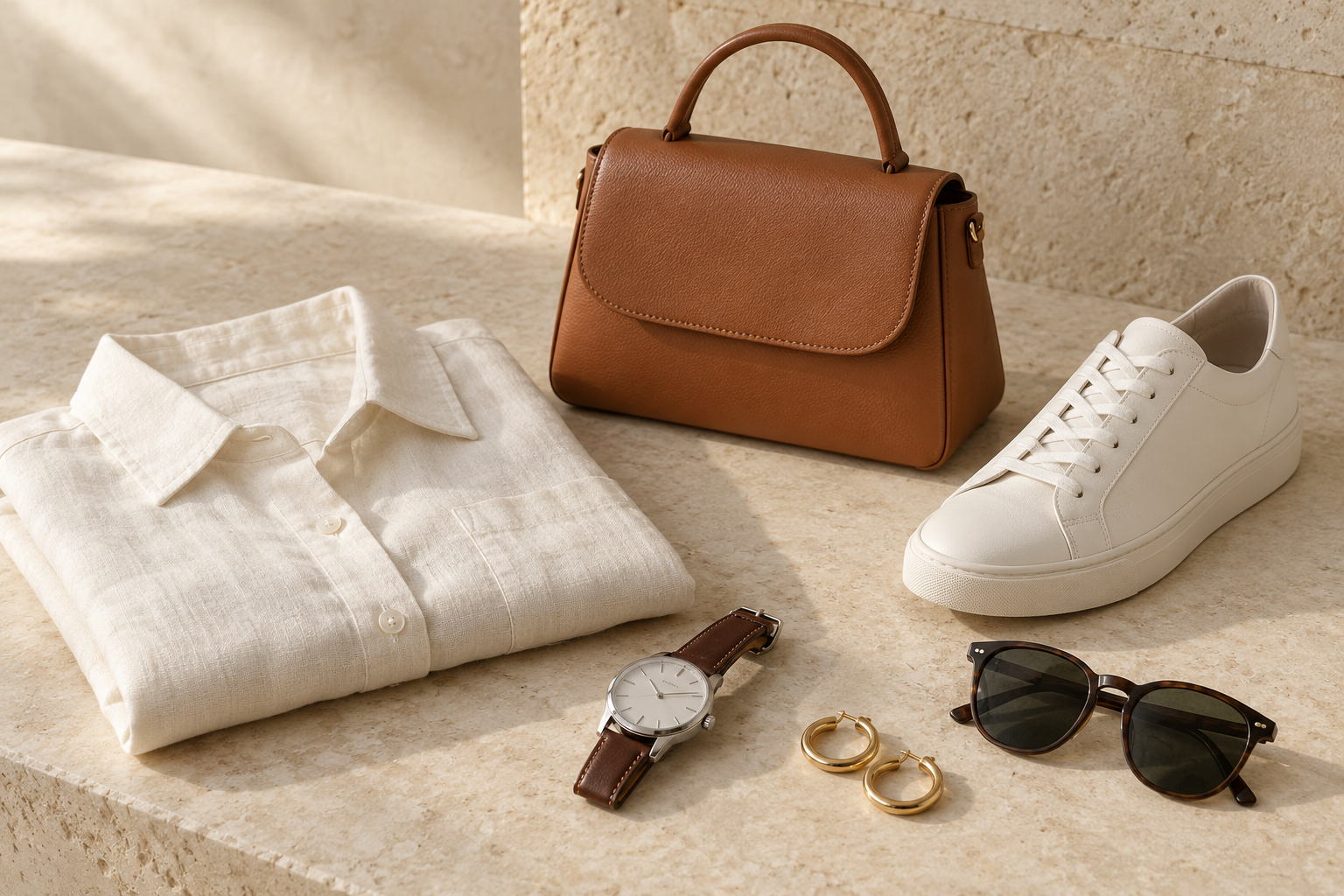
Sample · clothes & accessories
For what your shop sells
Each type opens after it passes our accuracy test. Banners and catalogues are also planned for products nobody wears.
How it works
Place your item on white paper. Follow the app’s camera guide.
Choose a model and a look for your item.
Compare your item with the AI photo at three marked spots.
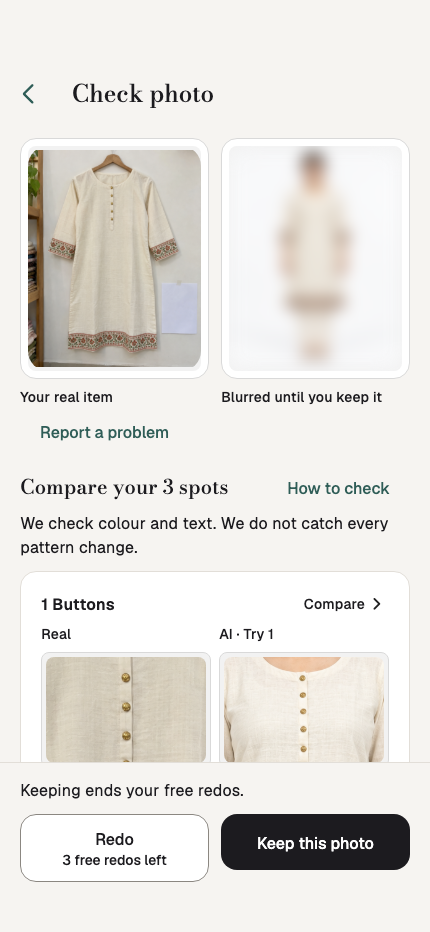
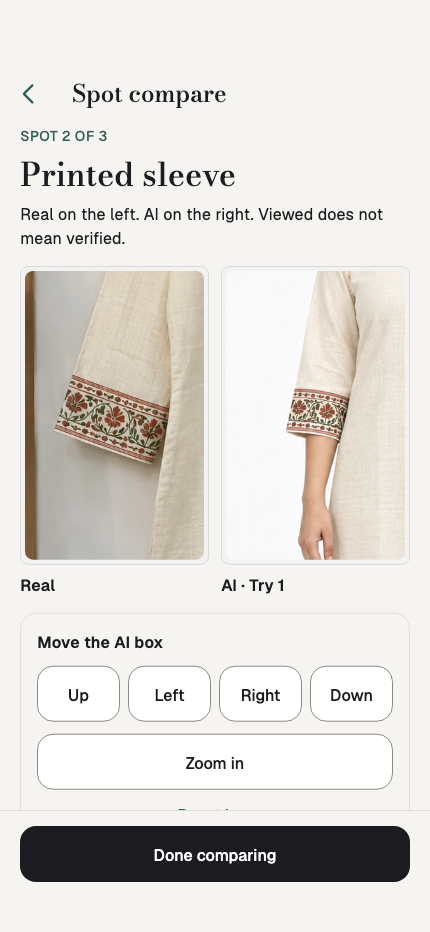
Look closer before you keep
That print. Those buttons. The colour you chose. Put your real item beside the AI photo and look at three marked spots.
AI can change details. The app does not catch every pattern change. Keeping a photo ends free redos. If every try fails, a credit return may apply. See the return rules.
One item, more ways to show it
Planned tools for your photos, promotions and product listings.
01
Front photo free. Side and back are included with paid products, subject to the view rules.
02
Build a promotion around photos you have kept.
03
Bring your products together in a PDF and page images.
04
Draft a description in English, Spanish, German, French, Italian or Dutch.
Honest by design
An AI label on every photo.
Your photos never train AI.
No body reshaping.
AI models are never presented as real customers.
A simple place to start
Try one product free at launch. No card. Buy a pack when you need more.
Price shown from the website plan for this design review. Final website price wording still needs approval.
Pack 10 · planned US launch price
$24.99 USD / 10 credits
One credit per product.
See pricing and limits ↗A few good questions
No. AI can change colours, prints and small details. Check the three marked spots before you keep a photo. Viewing a detail does not verify it.
Clothes and wearable accessories are planned. Each type opens only after passing its accuracy test. Other products can use banners and catalogues, with no AI model photo.
A credit return may apply when every try fails. Limits apply; see Pricing. Keeping a photo ends free redos.
Modeshot is in private testing. The planned offer is one free product with no card. This preview does not collect waitlist sign-ups.
In private testing
Join the waitlist to hear when Modeshot is ready for your products.